Best Printers for Small Business
Compare practical printer picks for invoices, reports, labels, scanning, color pages, and daily office paperwork.
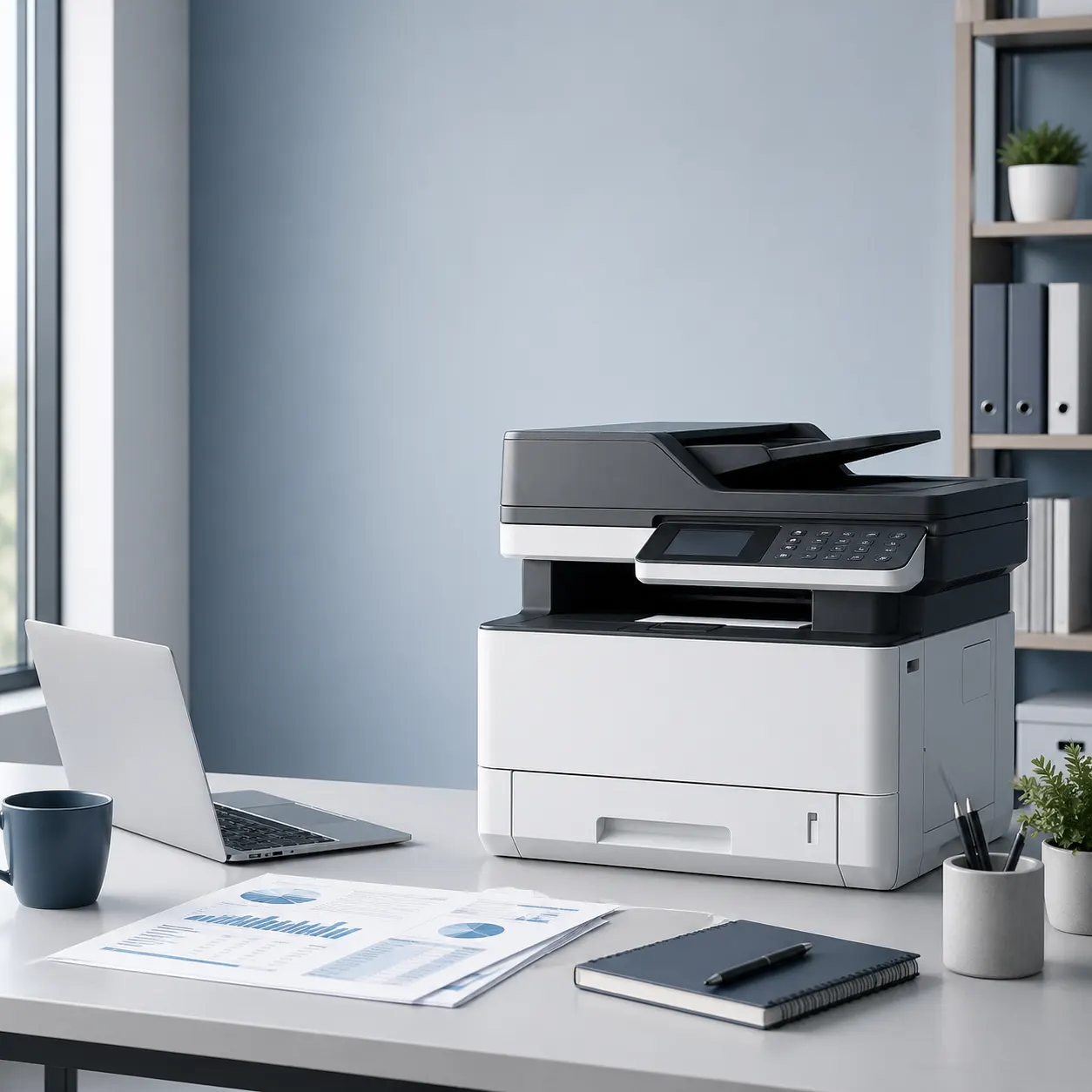
Office Printer Picks
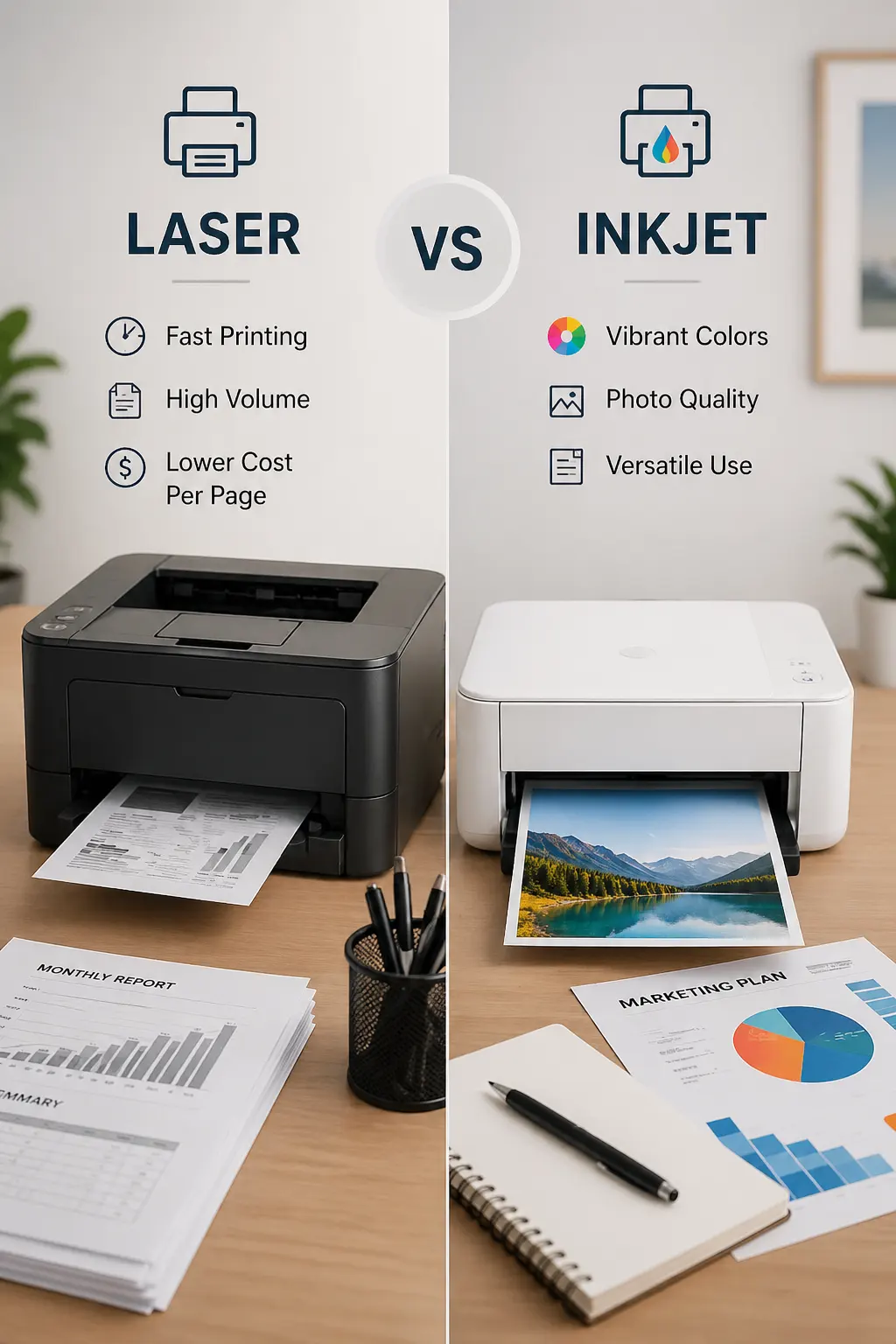
Laser or Inkjet?
Printer Buying Notes
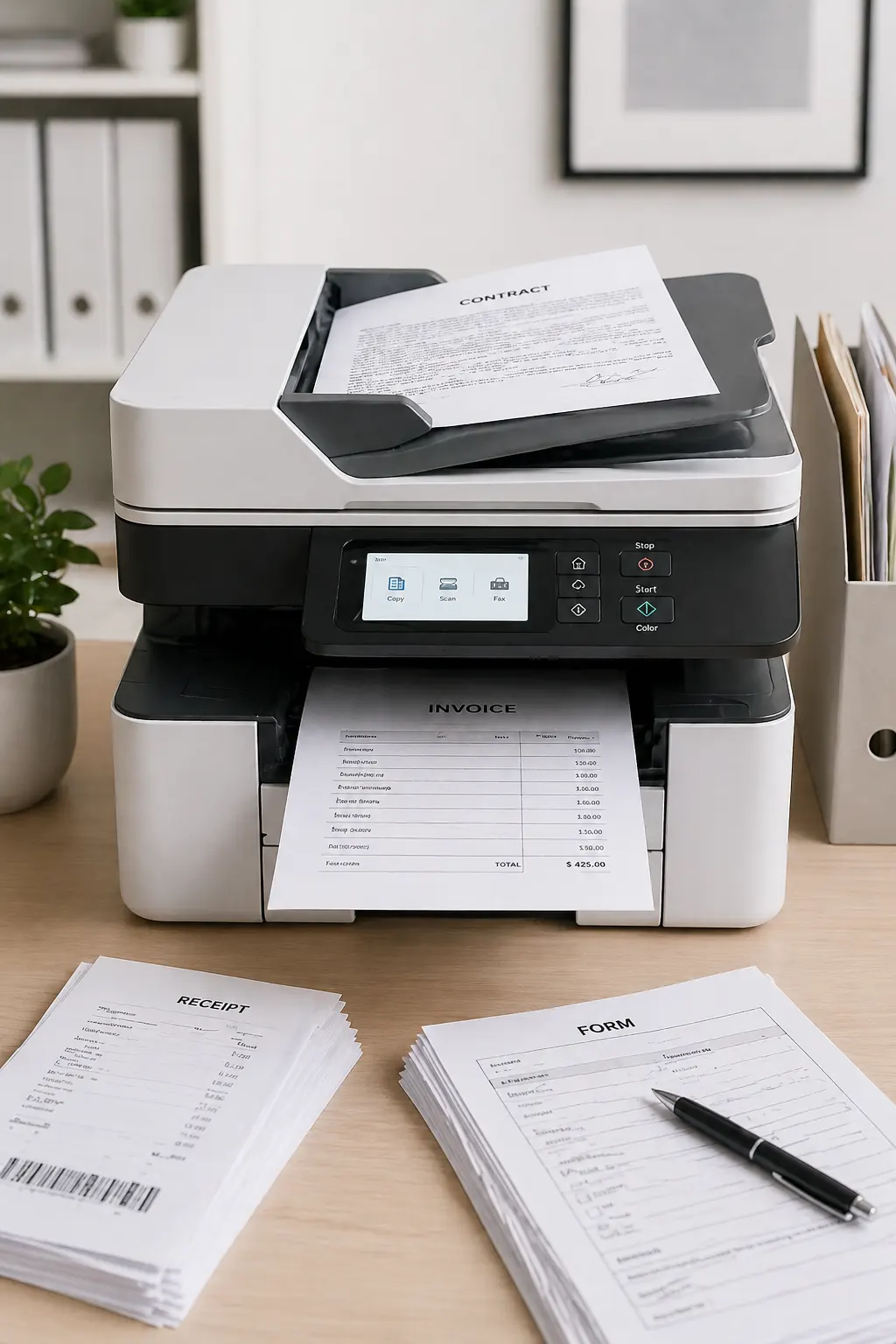
Scan & Copy Ready
Popular Printer Picks for Small Business
A practical mix of office printers for invoices, reports, scanning, color pages, labels, and daily paperwork.
-
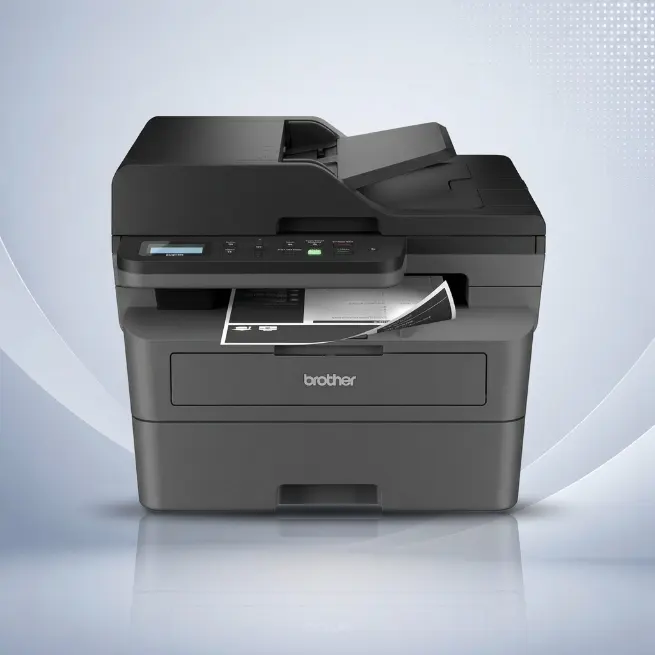
Brother DCP-L2640DW Laser All-in-One
-
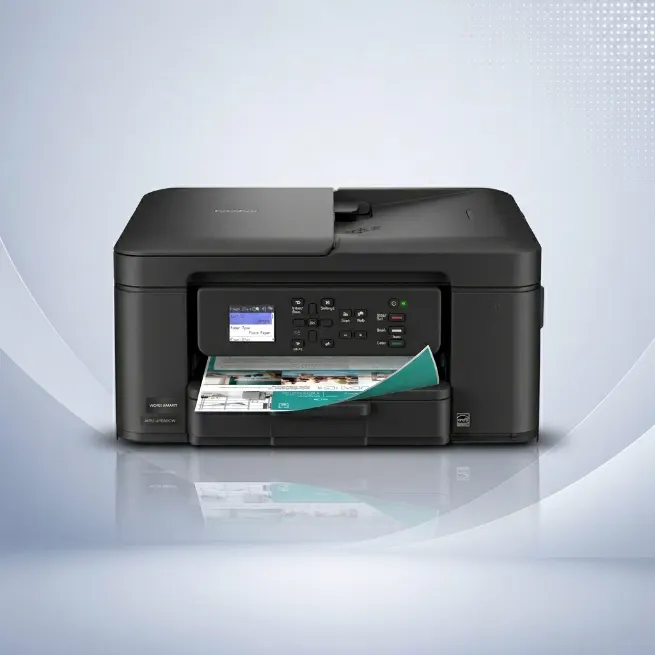
Brother MFC-J1360DW Inkjet All-in-One
-
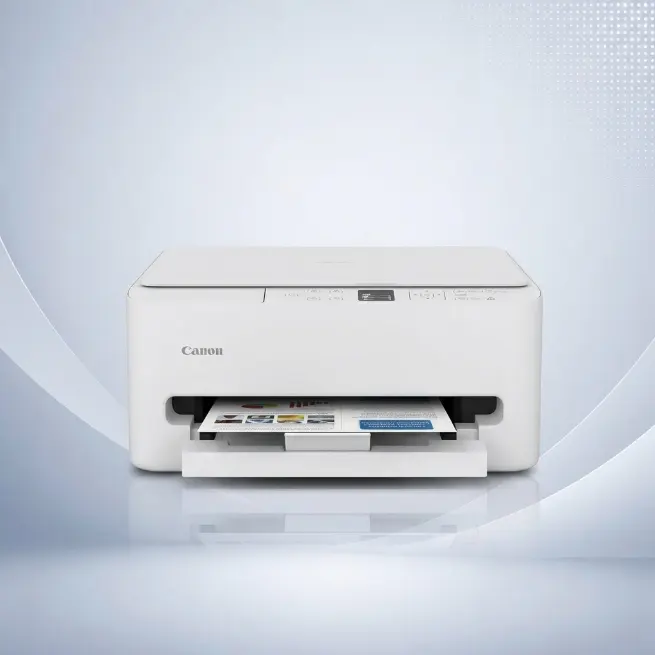
Canon TS6520 Wireless Inkjet Printer
-
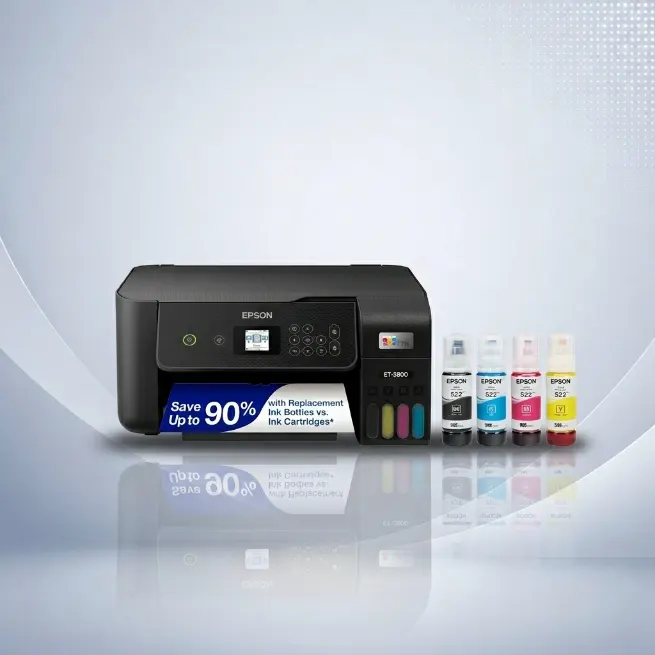
Epson EcoTank Wireless Supertank Printer
-
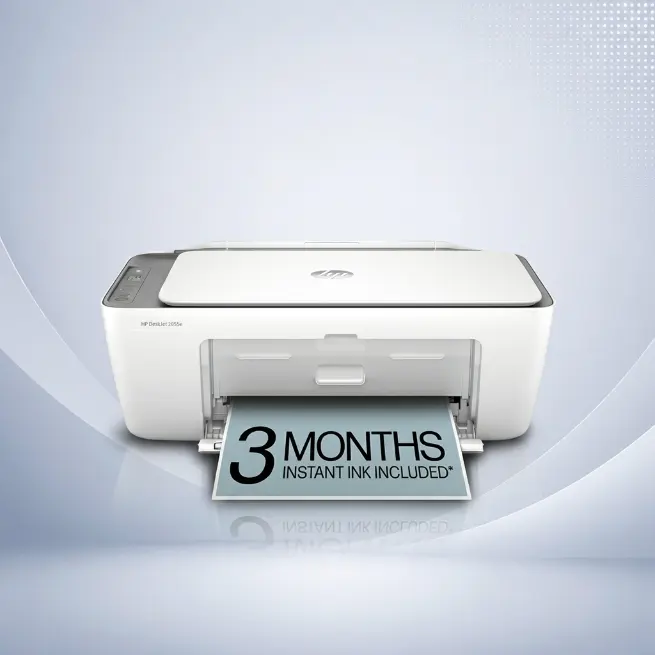
HP DeskJet Wireless Inkjet Printer
-
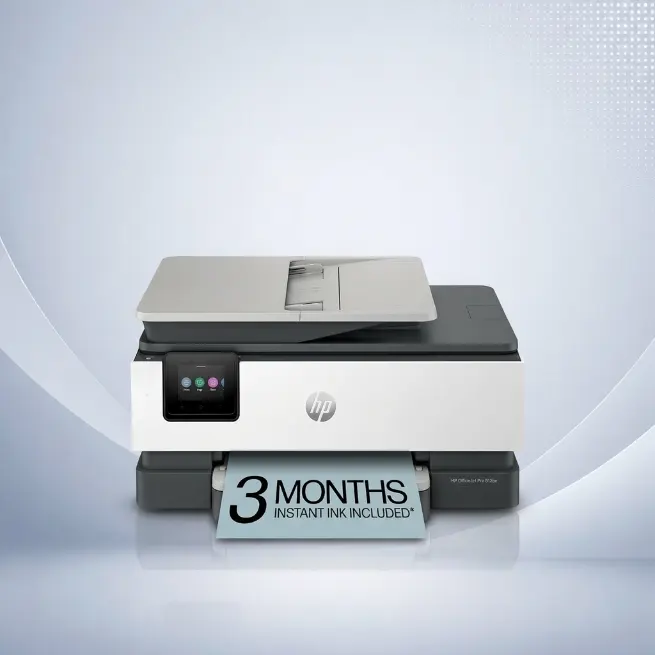
HP OfficeJet Wireless Inkjet Printer
-
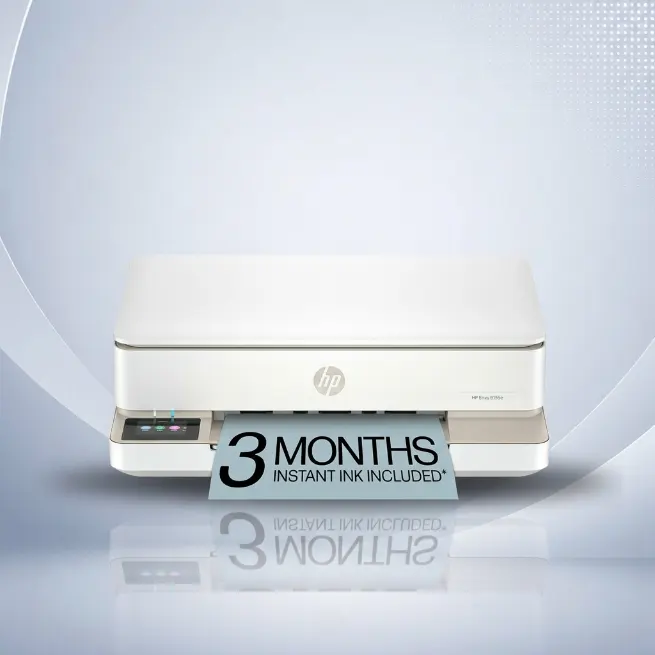
HP Wireless All-in-One Printer 714L5A
-
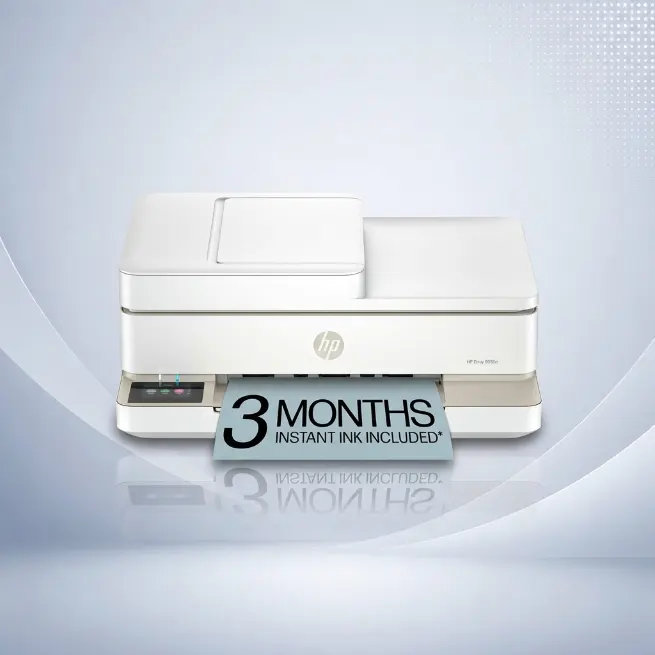
HP Wireless All-in-One Printer 714N5A
-
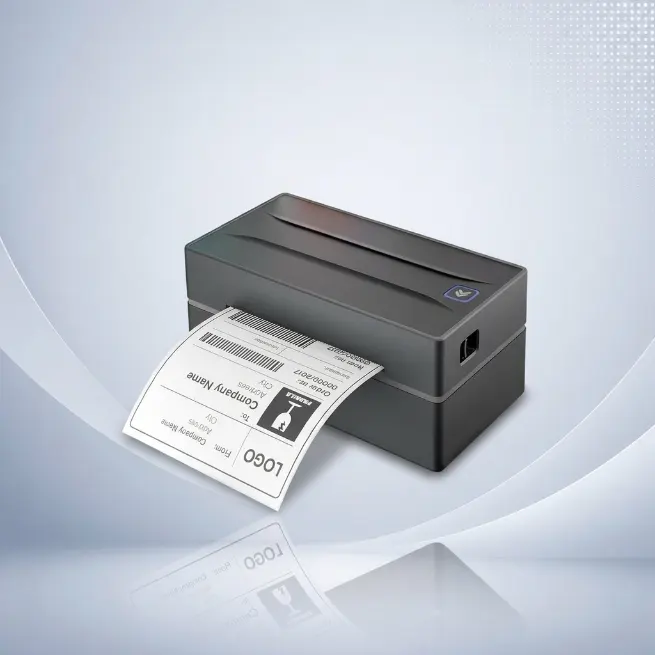
NULLTONEX Bluetooth Thermal Label Printer
-
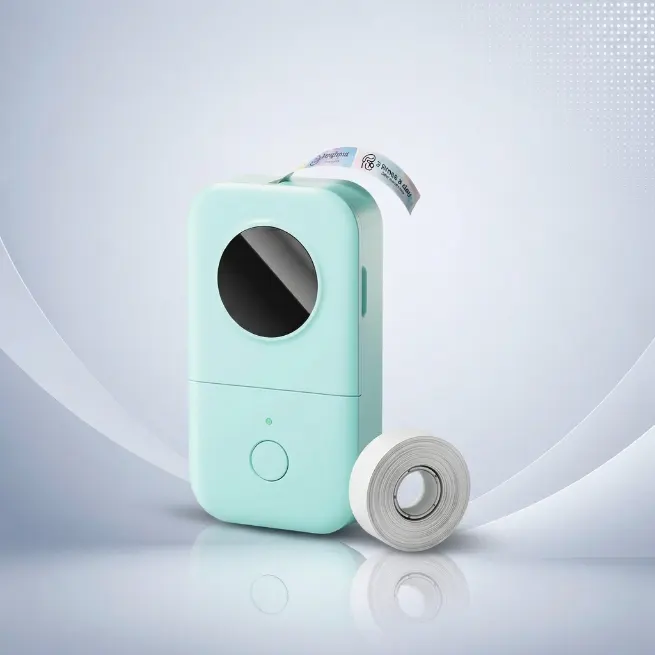
Phomemo Bluetooth Label Maker
How to Choose a Small Business Printer
A small business printer should match real office tasks, not just a familiar brand name. The right choice depends on print volume, color needs, scanning work, paper handling, and how often ink or toner must be replaced.
What Matters Most:
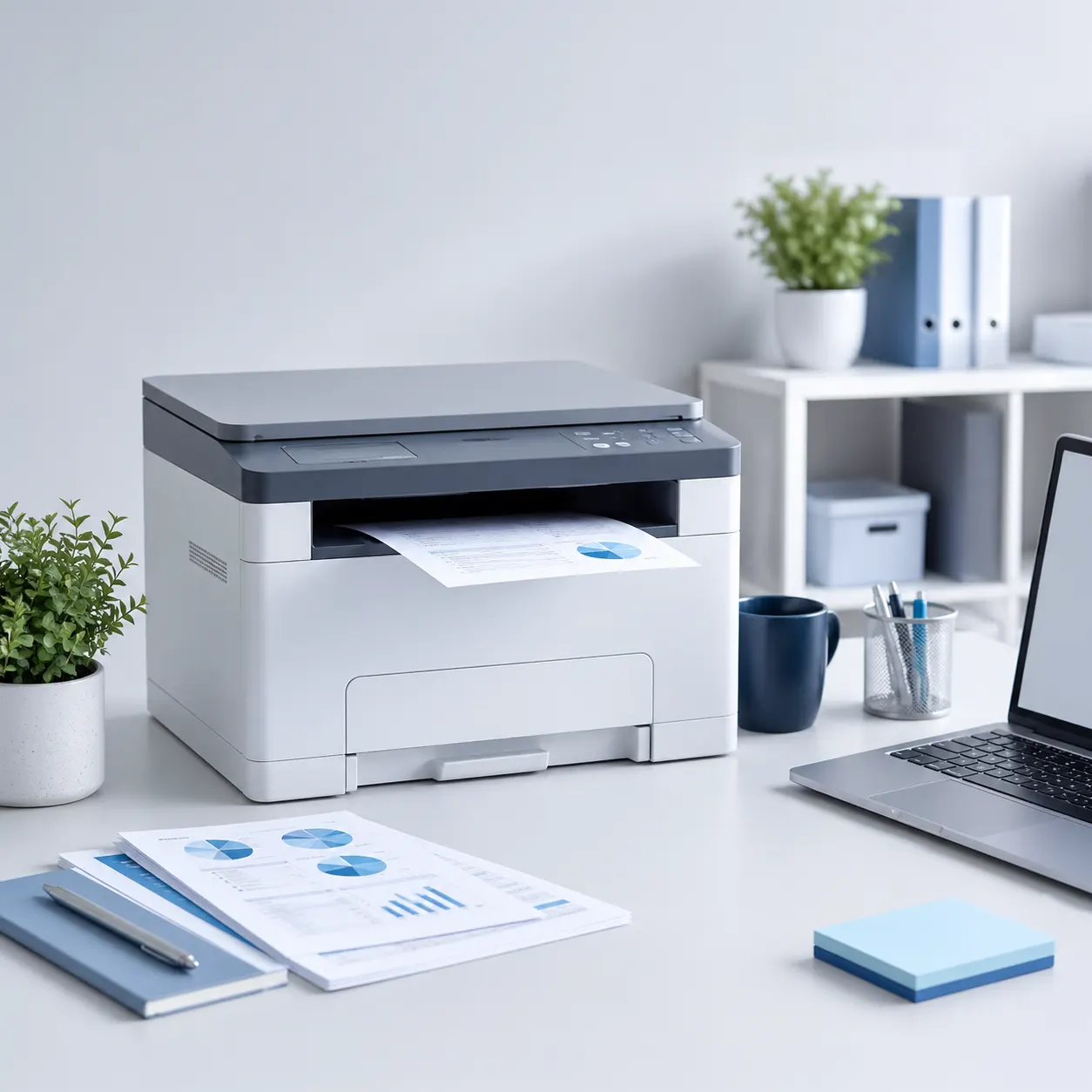
Pick by Business Need
A printer for invoices is not always the same choice as a printer for labels, color sheets, or front desk paperwork.
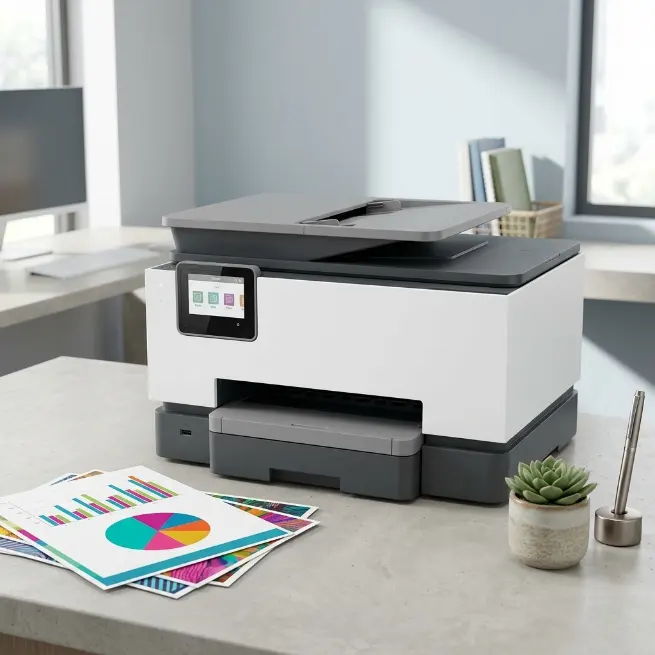
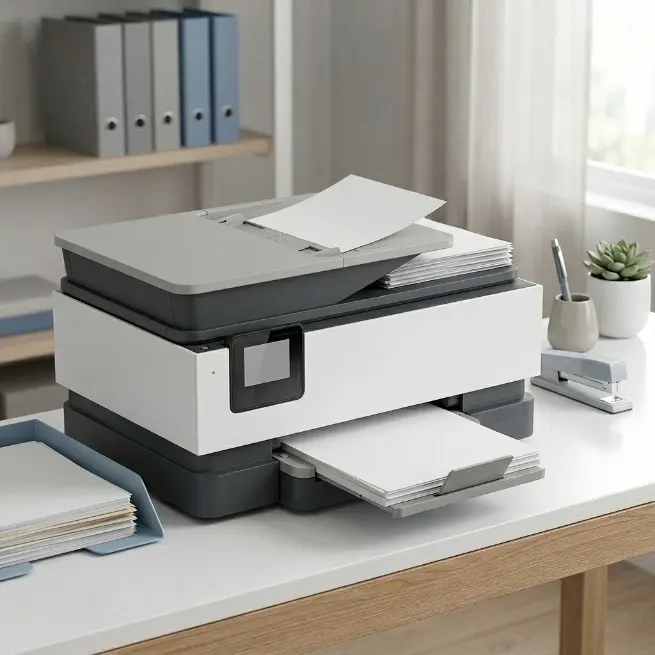
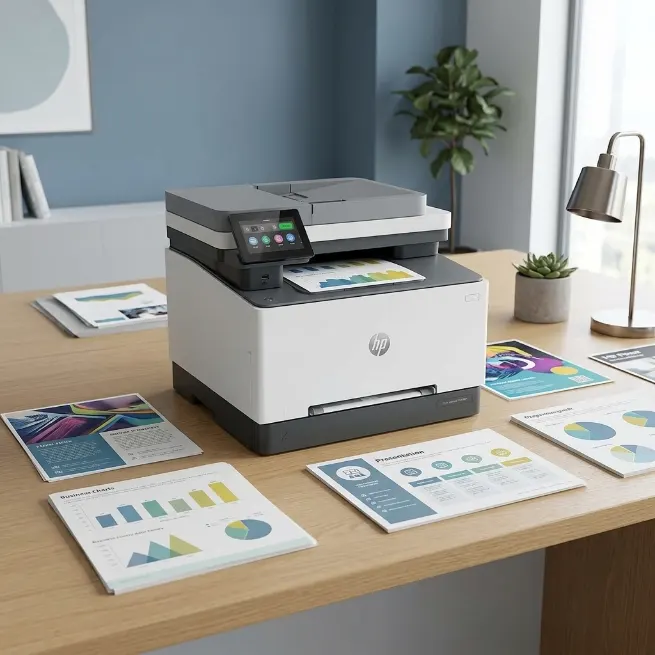
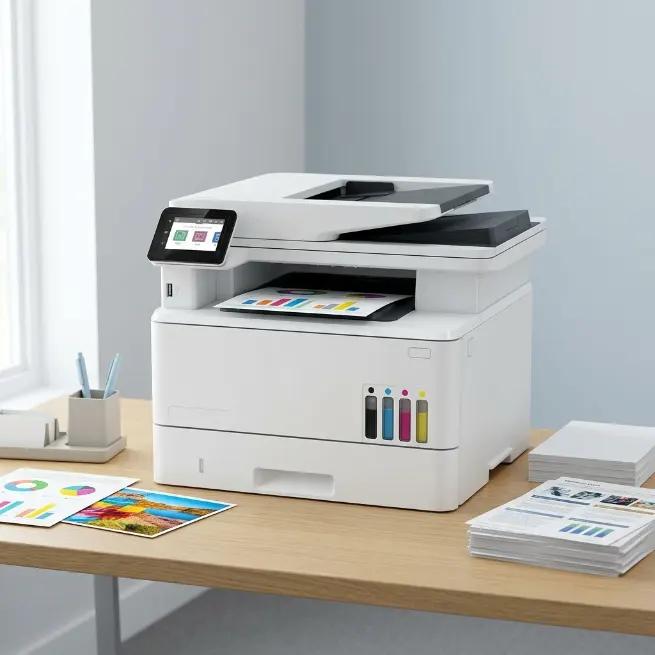
Printer Categories for Small Business
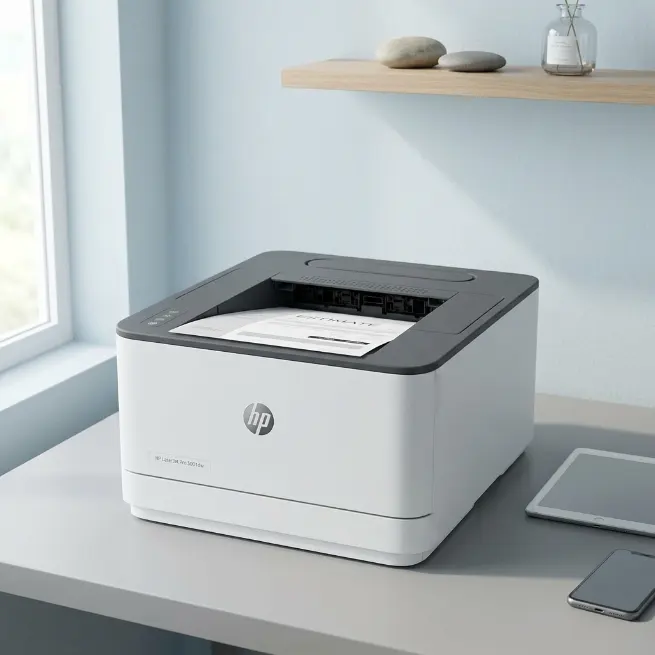
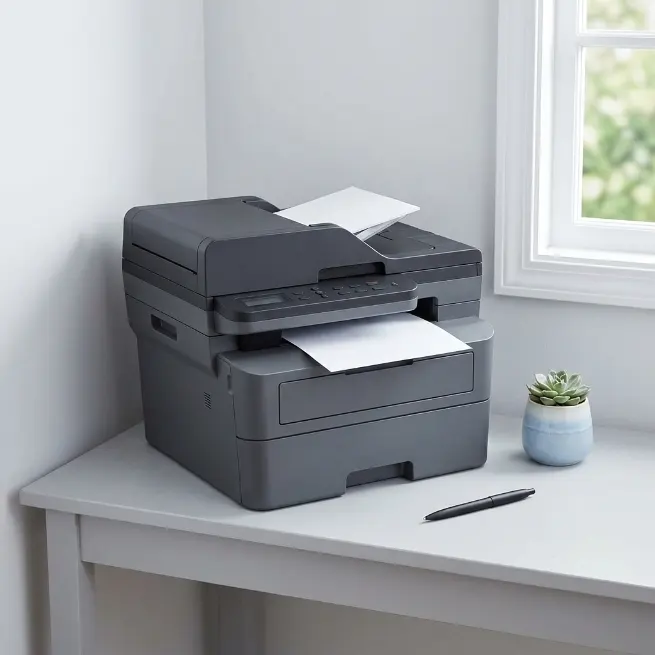
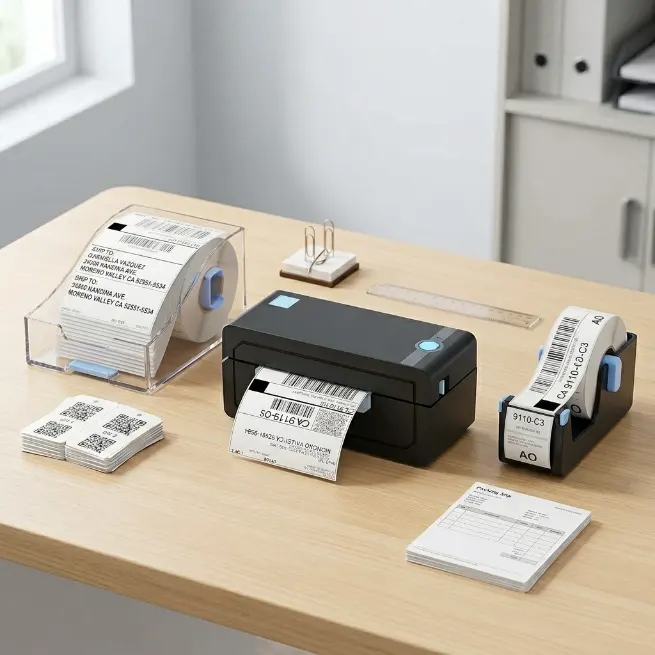
Compare printer types by office workload, color needs, scanning tasks, space, and daily business use.
Small Business Printer FAQ
What printer type fits a small business?
Start by choosing between color laser, mono laser, ink tank, or compact inkjet. The right type depends on monthly volume, color needs, scan use, and supply cost.
Is laser better than inkjet for office work?
Laser makes sense for frequent document printing and sharp text. Inkjet or ink tank models can fit offices that need color graphics or lower-volume mixed printing.
When does an ink tank printer make sense?
An ink tank printer is useful when the office prints steady color pages and wants refill bottles instead of cartridges. It can need more room and a higher upfront budget.
Which volume number should be checked?
Check the recommended monthly page volume, not only duty cycle. Duty cycle is a stress limit, while recommended volume is more useful for regular office planning.
Is scanning important for a small office?
Yes, if the office handles invoices, IDs, signed forms, or vendor paperwork. Look for an automatic document feeder and duplex scanning when multi-page scans are common.
Should specs be checked before buying?
Yes. Product titles can be incomplete, so check the model page for paper capacity, supply type, connectivity, scan features, and recommended monthly volume.